Showing posts with label iPad apps. Show all posts

Monday, May 28, 2012

Ray Bradbury, One Picture and the Golden Gate Bridge

Ray Bradbury, the very name conjures up memories from my youth.

It was Bradbury that first introduced me to the concept of Science Fiction.  I must have been 10 or 11 years old.  It was Fahrenheit 451 that first caught my young attention (I was an avid reader even at that age).  The idea of a political state that would try to control ideas fascinated me.  From there on, I read all the Bradbury I could get my hands on.  The memories are with me still, to say he influenced my thinking is an understatement.

So imagine how excited I was to find a huge DVD set called the Ray Bradbury Theater at my local library.  Produced in Canada, it ran from 1985 to 1992.  I had never heard of it, but what a treasure it is.

if you've read much Bradbury, you know what you're in for, and that in itself is a treat.  But what got me was the production values of this series. Fine actors including Peter O'Toole, Richard Benjamin, Eugene Levy, William Shatner, Elliott Gould, Shelley Duvall, Donald Pleasance, Patrick Macnee, Harold Gould, Drew Barrymore and a list that could go on for much longer.

But what really struck me was the time they took to tell their stories.  In many of the episodes fully half of the time is taken to set up the story.  You get a feeling for the characters, the mood is set and with this, your involvement is complete. 

Of course some are better than others, but this was such a treat I just had to write about it.  If you're a Sci Fi fan, loved the old Twilight Zone or just enjoy good old fashioned storytelling, I can recommend this series. 

And the picture I mentioned in the blog title?

I continue to play with my iPhone.  I recently downloaded a small ebook dealing with photography on the iPhone.  I try to forgo flash in all of my photography and never use it with the iphone as the light is so harsh and bright.  But the idea of using the flash/light of Terrys phone for some indirect lighting had never occurred to me, so that tip alone made the book worth the price (only $4.00).  It got me to thinking and I decided to try a bit of still life and see what I could come up with.

Now, this isn't great photography, 
but something about this photo 
really speaks to me.
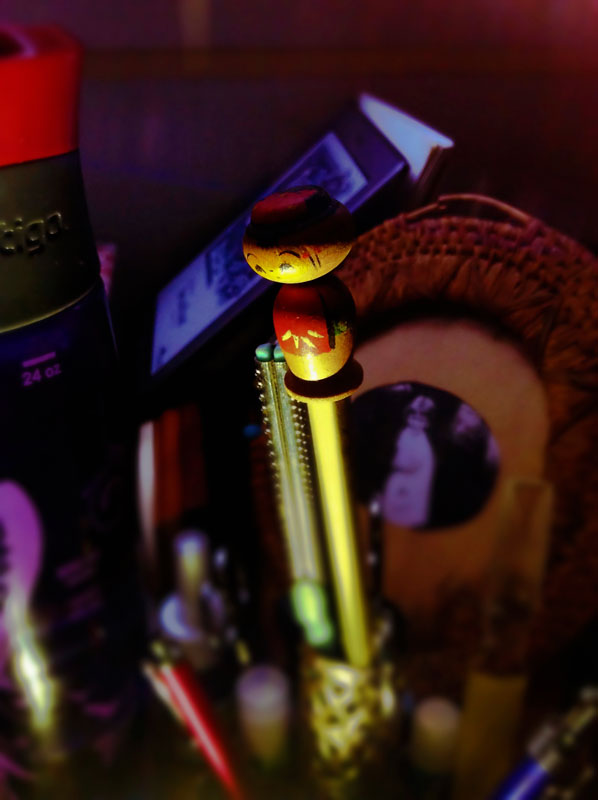

It may be all the items in the picture.  The bobblehead pencil has been mine since I was a kid.  It sits in an old 1960s lipstick holder which I just adore (does anyone remember these?).  The little girl in the picture is my Mother and the photo is in a very old Native American frame I picked up years ago.  These things sit on my nightstand so I see them almost every day, but they're all dear to me.

Then there's the light.  Photography is all about light, but I'm just beginning to play with the concept of selective light.  It's a whole new concept for me, exciting stuff.   And then there's the Bokeh.  I've written about Bokeh numerous times, but I've yet to master the technique and I continue to be intrigued,

So with all that said, I decided to include it here in the blog, don't ask me why.

And finally, I want to tell you about an outstanding ebook I found today. 

As you are probably aware, yesterday was the 75th anniversary of the Golden Gate Bridge.  The California Historical Society has released an outstanding ebook titled "A Wild Flight of the Imagination: the Story of the Golden Gate Bridge", and boy howdy, is it a wonder.  The best part of the whole deal?  It's free! 

You can read more about it here or go to iTunes and do a search for GG Bridge. 

And that's it for tonight.
Monday, May 7, 2012

Painting.

Well, sort of.

I've written about this before, but the more I get into it, the more I love it.

I've always wanted to paint. And I've tried several mediums, all with no success.

Then, a while ago, I discovered an app called PhotoViva, and it really has opened up a whole new world to me.

Suddenly, I'm able to "paint" just the way I've always hoped I could.  I can pick the brush, the thickness of the paint, the color, the detail I wish to include or exclude, it's just so exciting, I can't begin to tell you.

And even though it isn't technically painting, since I start with my own photographs, and I get to control where it goes artistically, it feels like my own creation.

I've been playing 
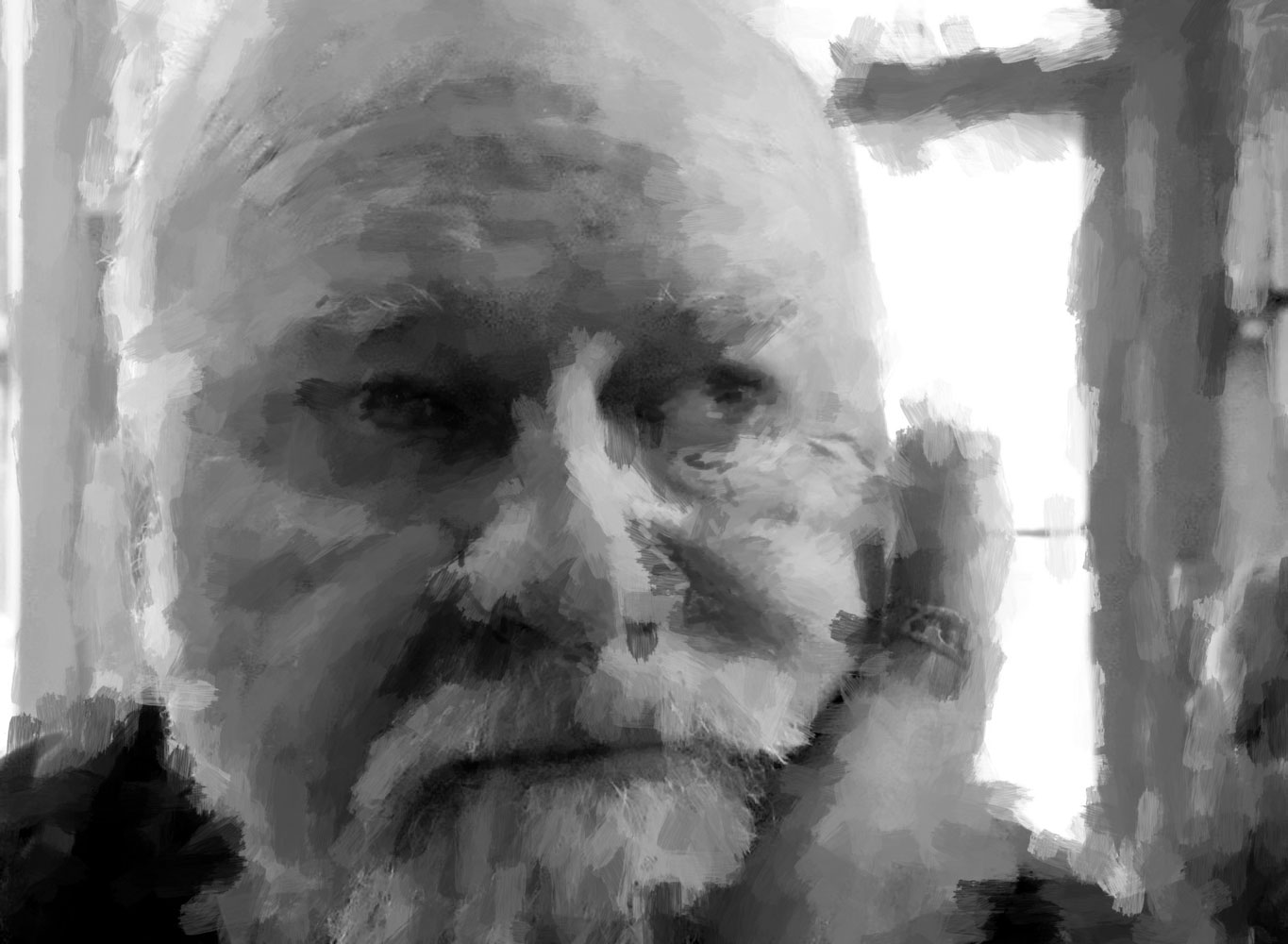
with a couple of my black and white portraits 
and am really pleased with the results


I really like this one of Terry.
Click to enlarge to see the detail


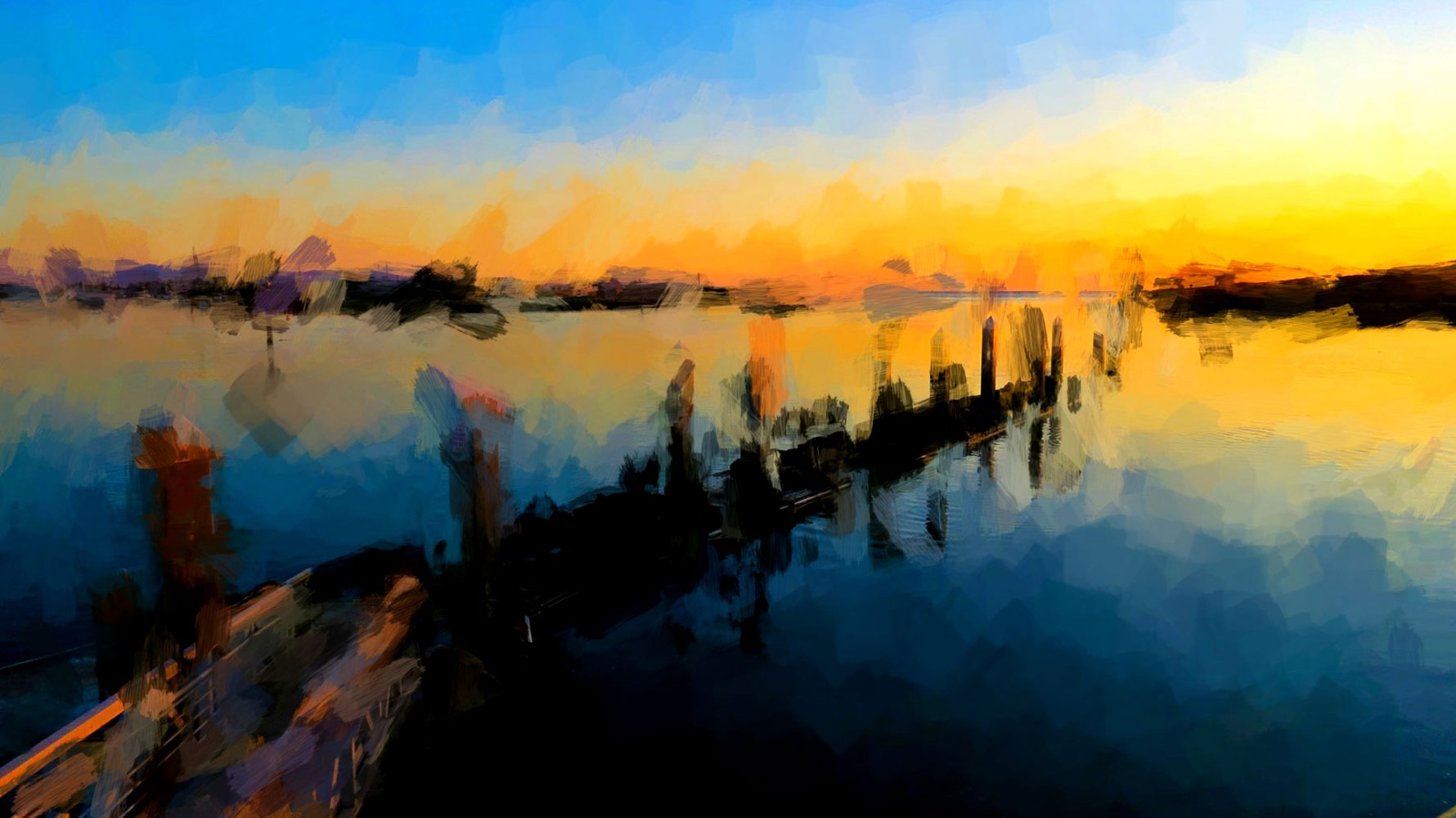
And just to show I can do color too, 
here's a shot I took of a wharf 
down at Moss Landing.
I like being able to paint with color, 
deciding how to layer it for different effect.


I find it interesting that with my photography, I like everything very tight.  Sharp, clear and bright.  But when I "paint" I like that looser look.  I like how it feels.  I think that's been one of my problems when trying to paint with actual paint, I just can't figure out how to loosen up enough to get the effect that I'm after.

On to other things . . .

We spent more time in the house today, and discovered an old treasure trove of autographs.  Gregory Peck, Frank Sinatra, Tom Cruise, Harrison Ford, Bob Hope, Deborah Kerr, there are dozens.  These were all collected back in the days before eBay and all the "pay for autograph" conventions.

I think they're very cool, 
but like so many other things, 
I'm ready to let them go.


Thursday, April 19, 2012

ANOTHER iPad App

.
Sorry, I just can't help myself . . .

This one is called Mosaic Creator and it is way cool. Especially when you consider it only costs $.99!

It offers a lot of options in a small package. First, you pick any image from your photo album that you want to convert into a photo mosaic. Then you can pick a size for the mosaic tiles (anywhere from 16 to 150 pixels). Then, you decide if you want to use the same tiles over and over (or use every picture in your album without a lot of repeating). Finally, you decide whether you want all the photos to maintain their original coloring, or if the software can change the album image colors to suit the selected image.

Even though you only have three options, they open up endless possibilities.

I'm including too many (again), but I'm having such a good time . . .

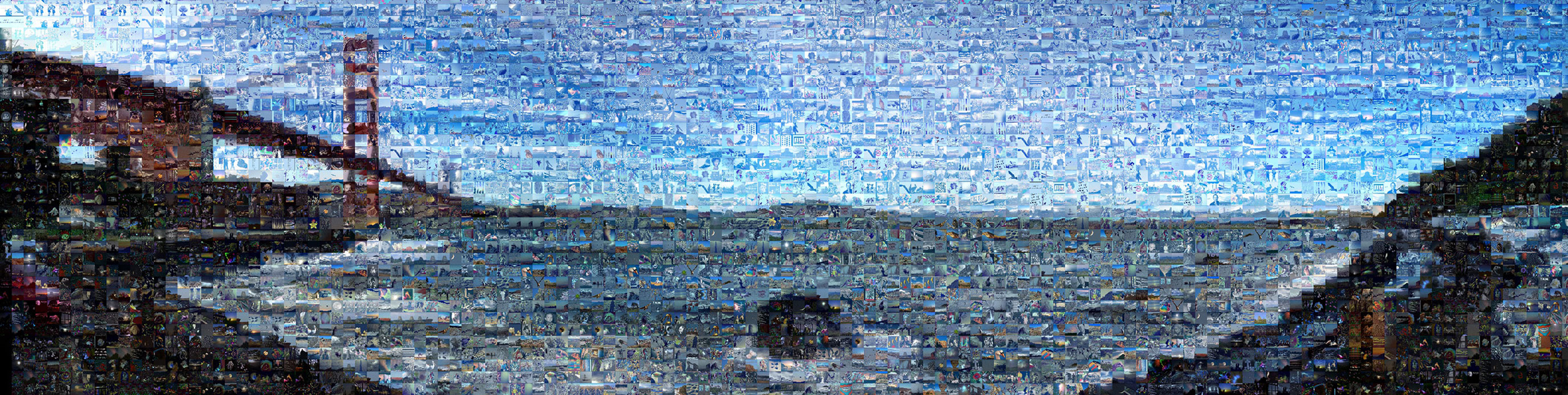
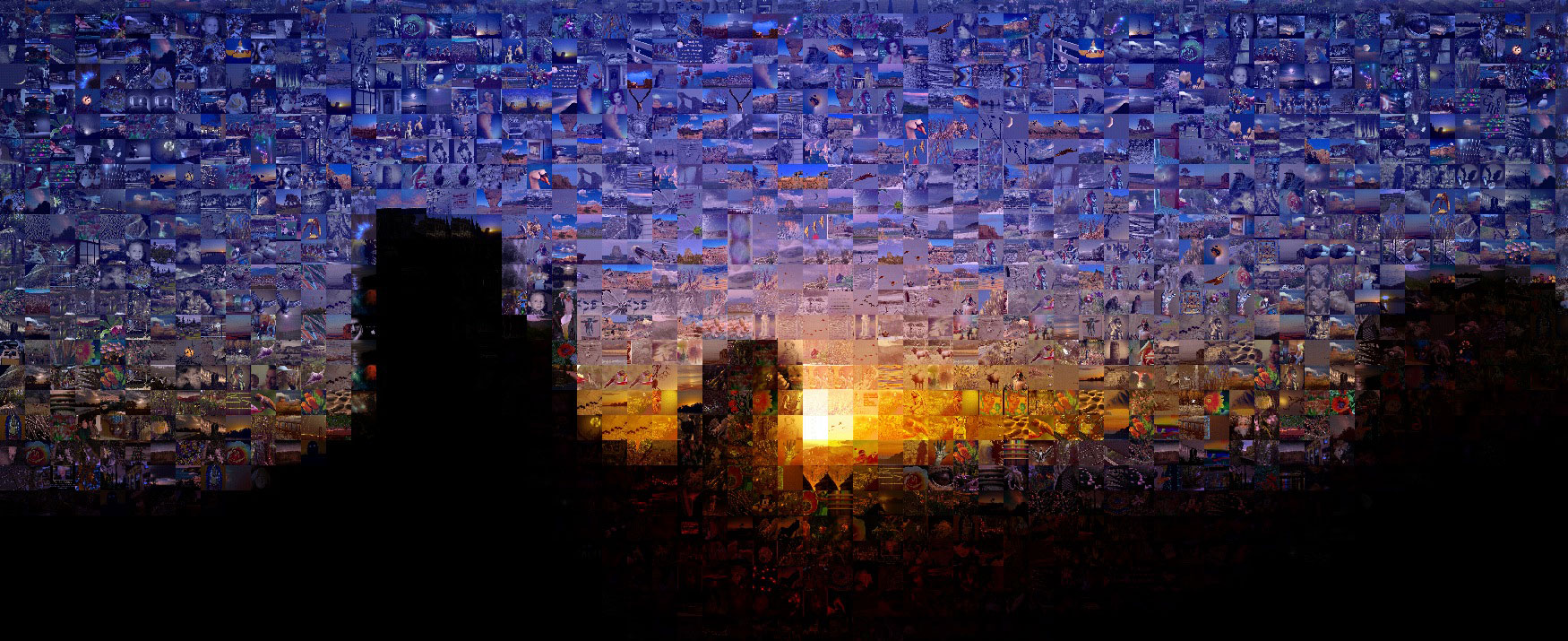
Remember the panorama I posted of the Golden Gate Bay?
Here's a mosaic using the original photo colors.


Here it is allowing the app to change the mosaic colors
to suit the image.


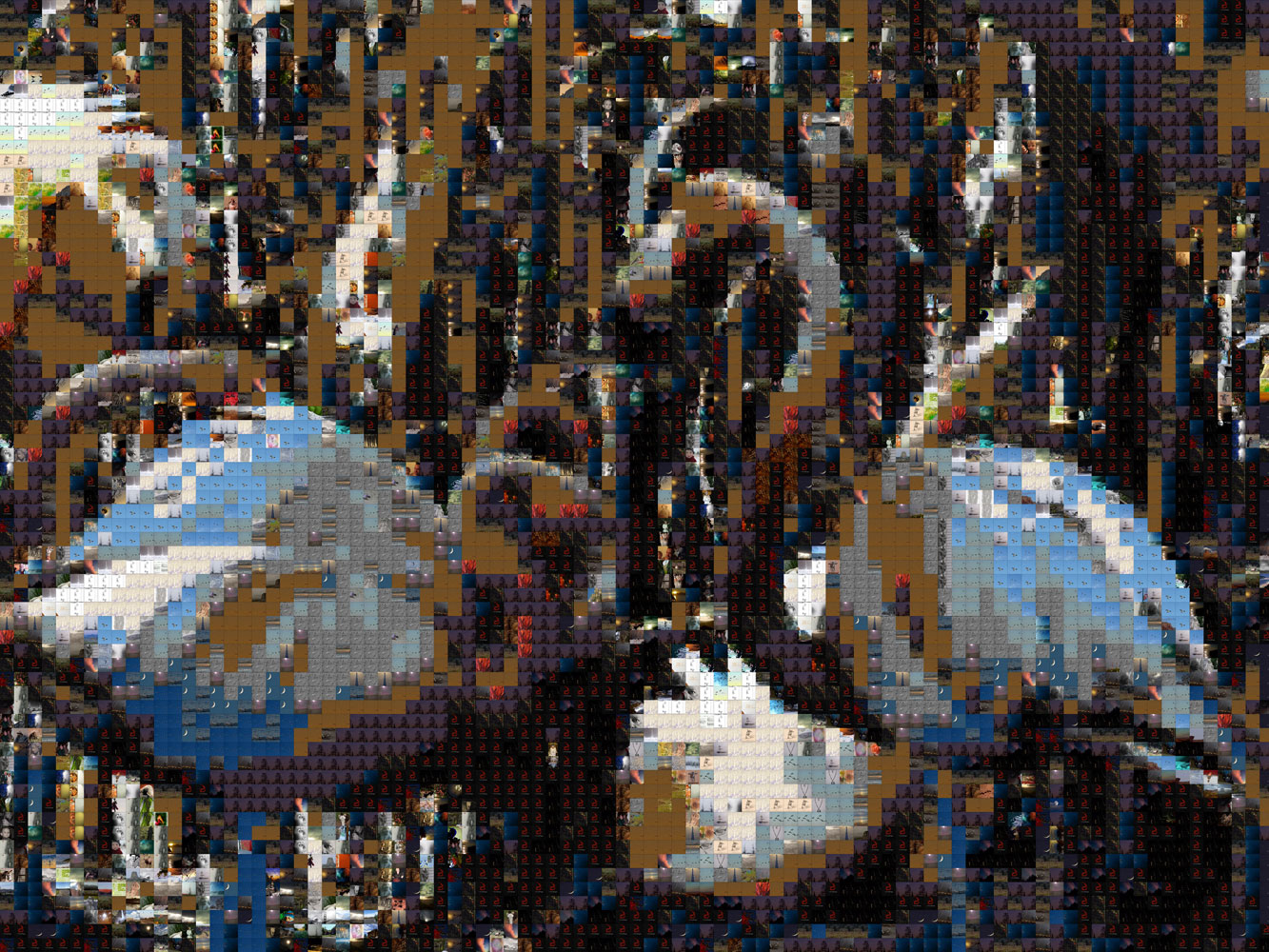
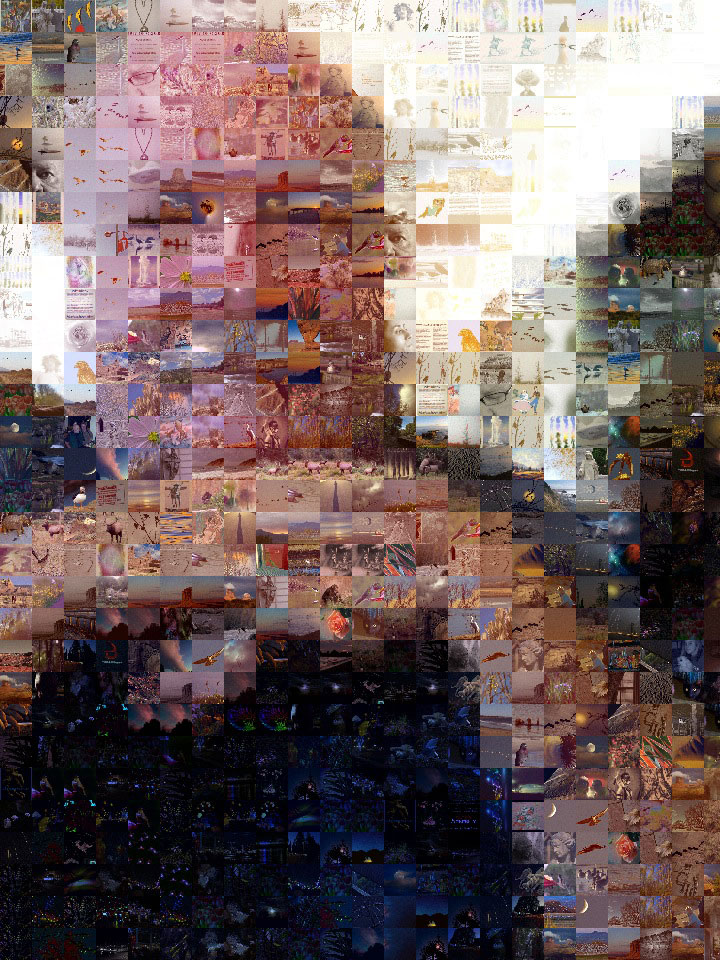
Flamingos, using app selected colors and larger tiles.
This shot allowed unlimited re-use of the tiles.


Smaller tiles, no repeating,
but using colors to suit the original image.


Sunrise at Monument Valley.


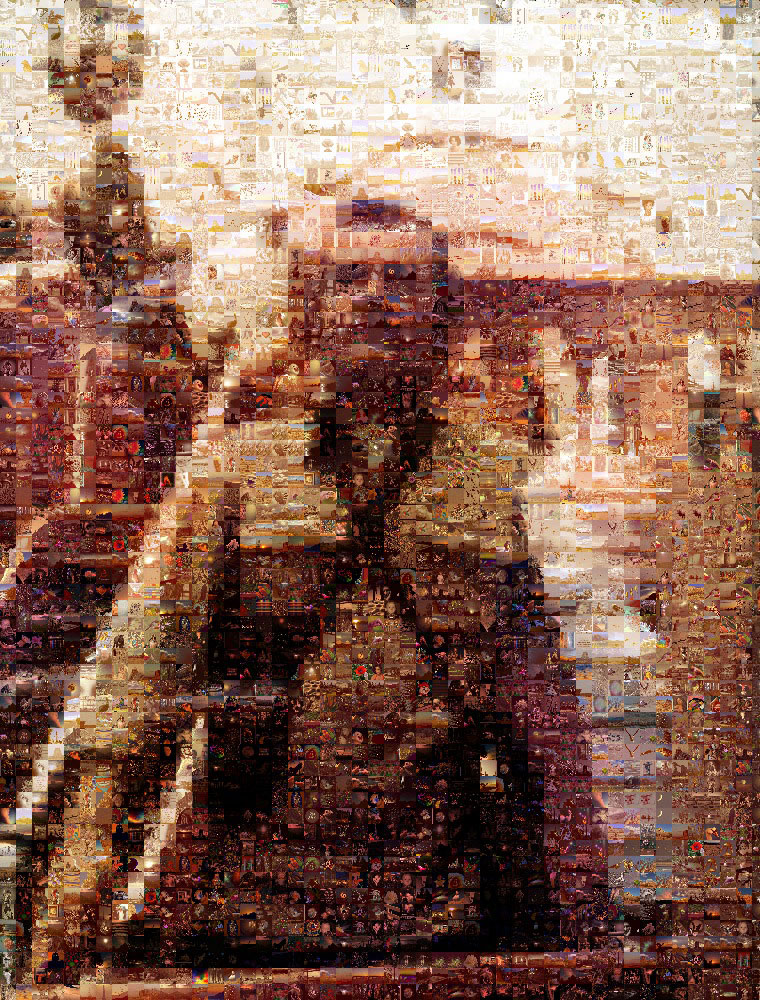
More Monument Valley.


This is the very first one I did.
The blocks are a bit too large,
but still, I kind of like it.


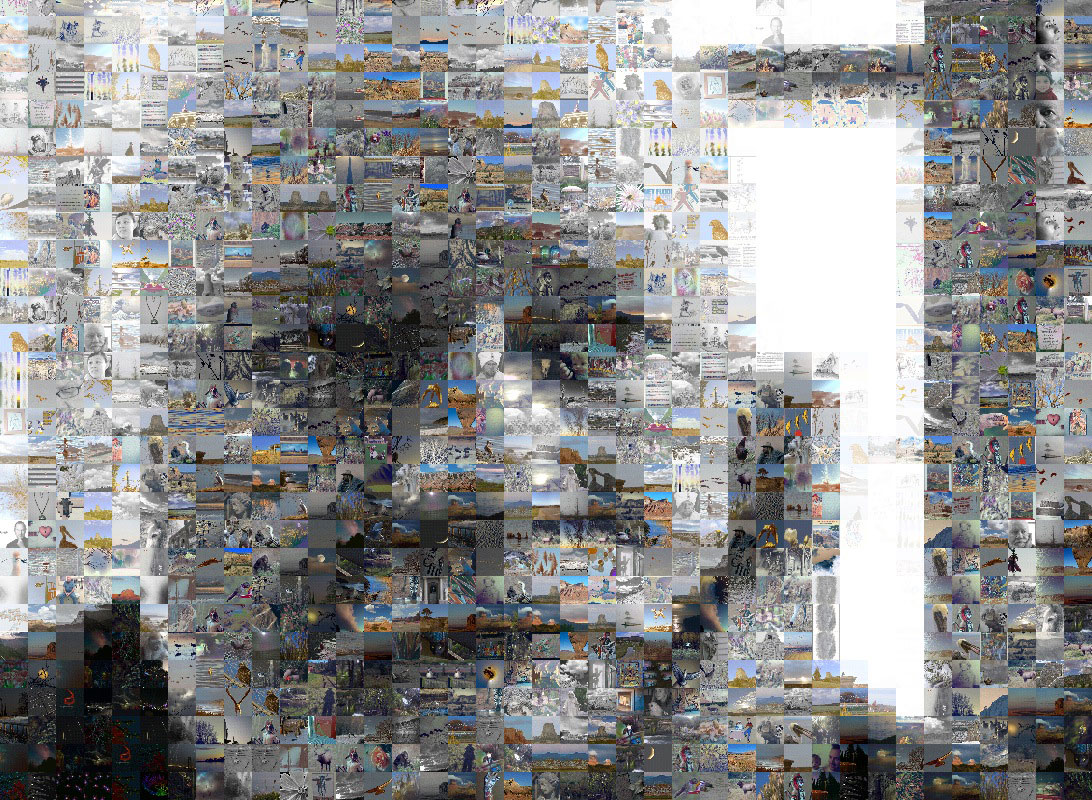
It even works on black and whites.


I made the squares really tiny on this one.
The original picture wasn't all that clear,
but I think the mosaic is kind of cool


All these images are clickable for larger images.
That said, when you zoom in,
some of the original images are kind of pixelly.
This isn't as much of an issue with the original size,
but when I reduced them for posting online,
it became more noticeable.

Still, I really like this app and will be using it a lot.

Saturday, March 24, 2012

Painting on the iPad

.
I've always wanted to paint. Unfortunately, I seem to be missing the 'artistic" gene. At one point, I invested a considerable amount of dollars in water color supplies, only to discover I just didn't have what it took. My loss, the thrift stores gain.

I've also tried painting on my Mac, but couldn't seem to master what it took.

Next, I tried various painting apps on my iPad, using my photographs as a basis for the painting. Again, I just couldn't seem to get it.

Then today, I found an app called PhotoViva, and Wowee Zowee!

While it's not real painting, it comes darn close. And since I'm starting with my own pictures, I'm taking credit for them, maybe not as paintings but as some form of digital art.

I may even print some of them on different kinds of photo paper and see what results I can get.

All of these should be enlarged (by clicking) so you can see the details.

Here's the original photograph


My first attempt


Try Number 2


Moving Towards Watercolor


Watercolor


Wet Watercolor


Expect to see more of this in the future
because I love this app!

Best $2 I've ever spent.

Tuesday, February 21, 2012

Geneology

.
The internet is an amazing thing.

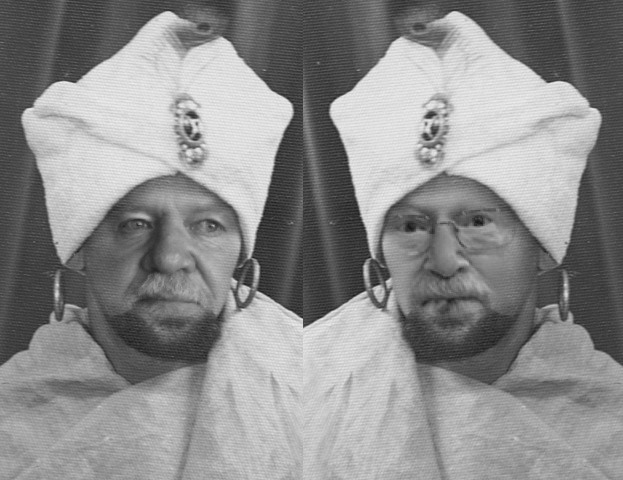
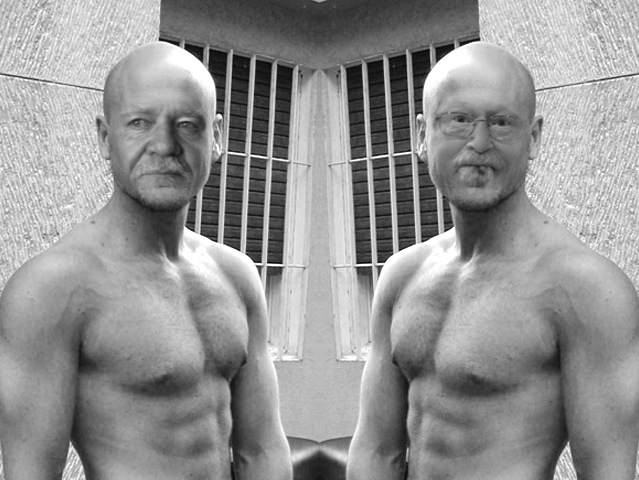
In researching family history, we've recently discovered that my Terry and Russ (of Russ and Donna fame) are actually twin brothers who were separated at birth.

After making this miraculous discovery, we spent a btt of time together. Watching the long lost brothers get to know each other was a wonderful thing.

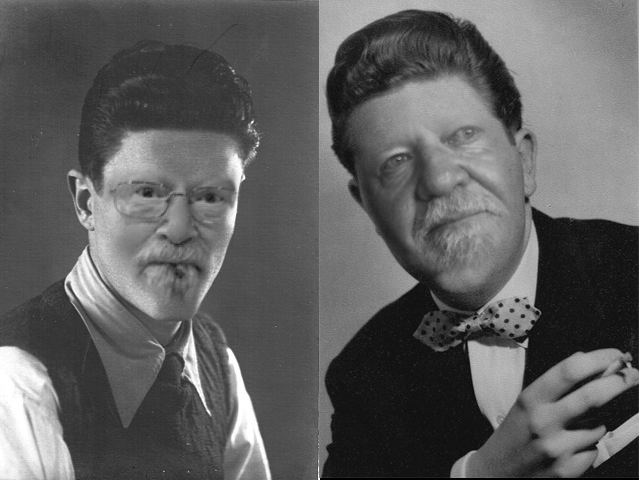
While looking at old family photos , we found that both had followed a similar path

At one time,
both have worked the carny circuit
as Swami fortunetellers


Unfortunately
falling under the spell of a some bad varmints,
they both suffered a short stint in the pokey.


But you know what?
Good genes will out.
Once their debt to society was paid,
they both went on to become
respectable members of their communities.


Then one day,
I got a call from someone
who had visited my website,
asking about our 30 foot twin Lazy Daze.
We talked for a spell,
then I spoke with his wife a while.
I remember telling Terry
how much I liked them
and how I hoped they would get a Lazy Daze
and maybe we would keep in touch.

And they did.
And we did.
And the rest is history.

Ain't the internet grand?